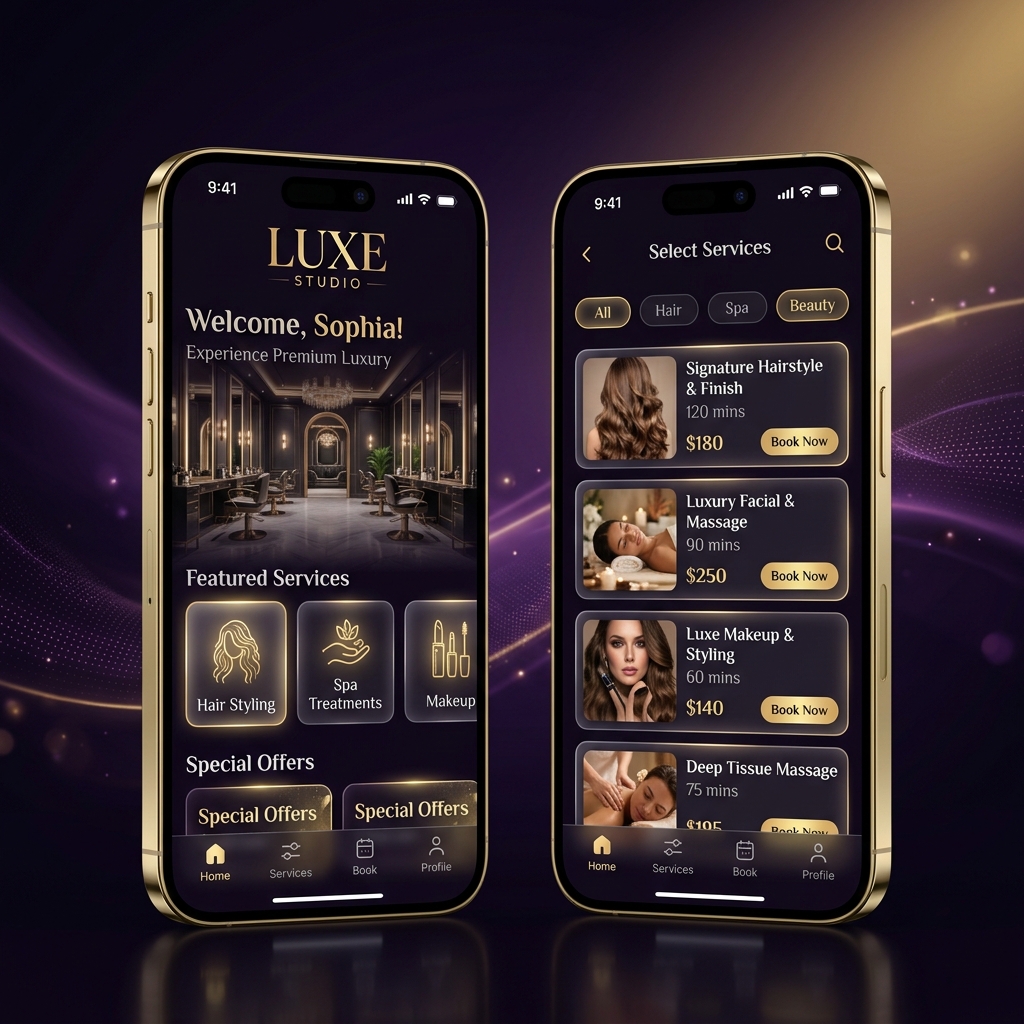
Download the App
Install Luxe Studio on your phone for instant access to bookings, offers & more.
Android
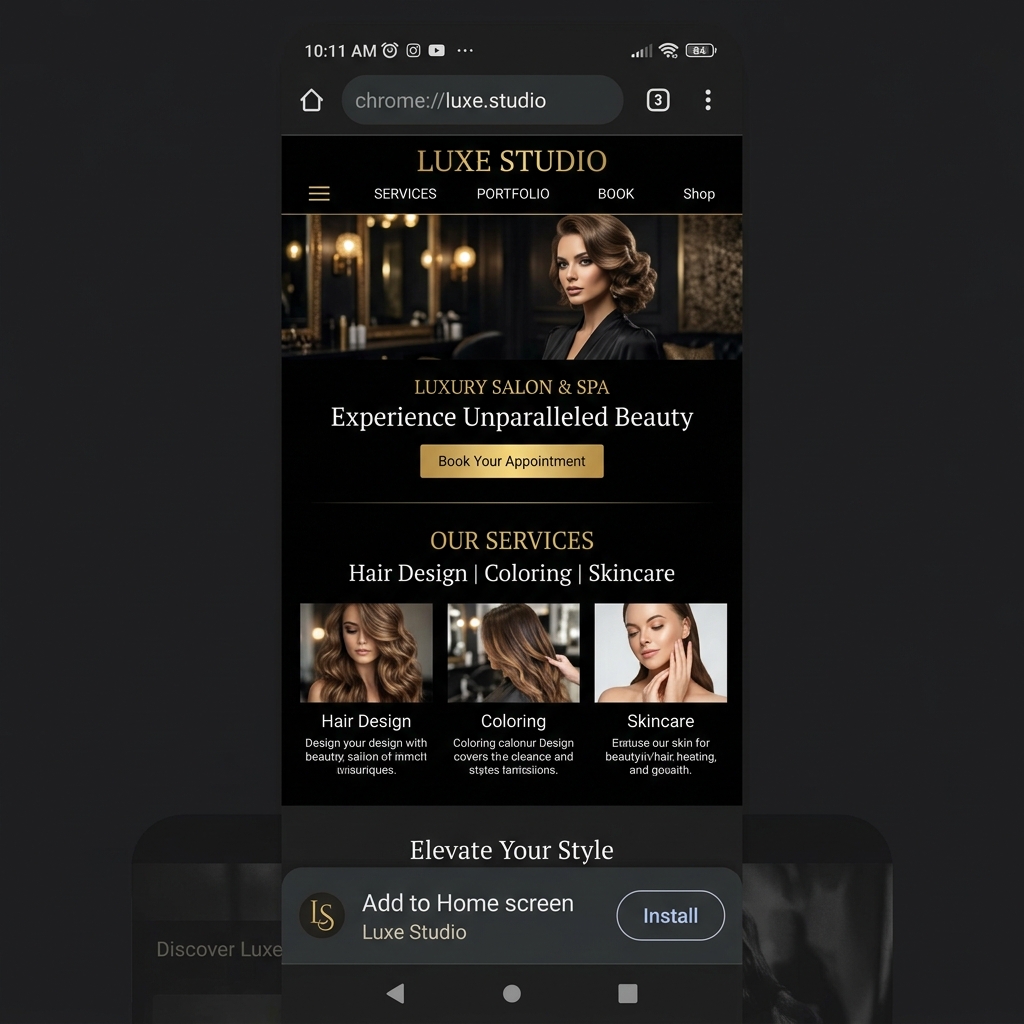
Install on Android
Tap the button below and your browser will automatically ask you to install the app to your home screen — just like a native app!
Android install guide
Your browser may not support direct install right now, or the app is already installed. Try opening this page in Chrome on your Android device.
iPhone / iPad
Install on iPhone
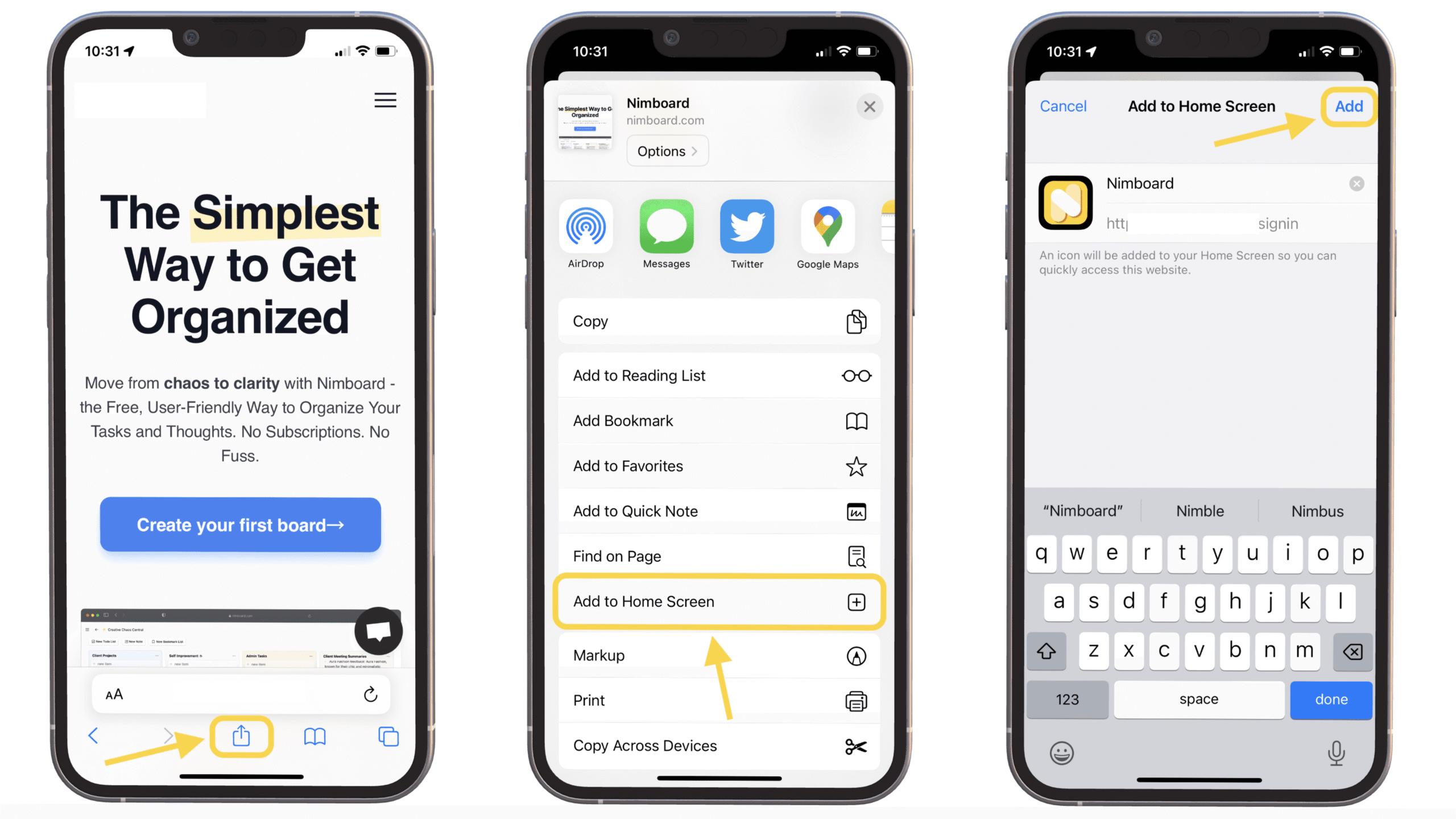
iPhones don't support a direct install button. Follow these simple 3 steps to add Luxe Studio to your home screen:
1
Open in Safari
Make sure you are viewing this website in the Safari browser (not Chrome or Firefox).
2
Tap the Share button
At the bottom of Safari, tap the Share icon (box with an arrow pointing up ↑).
3
Tap "Add to Home Screen"
Scroll down in the Share menu and tap "Add to Home Screen", then tap Add in the top right. Done! ✅
Tap to zoom